


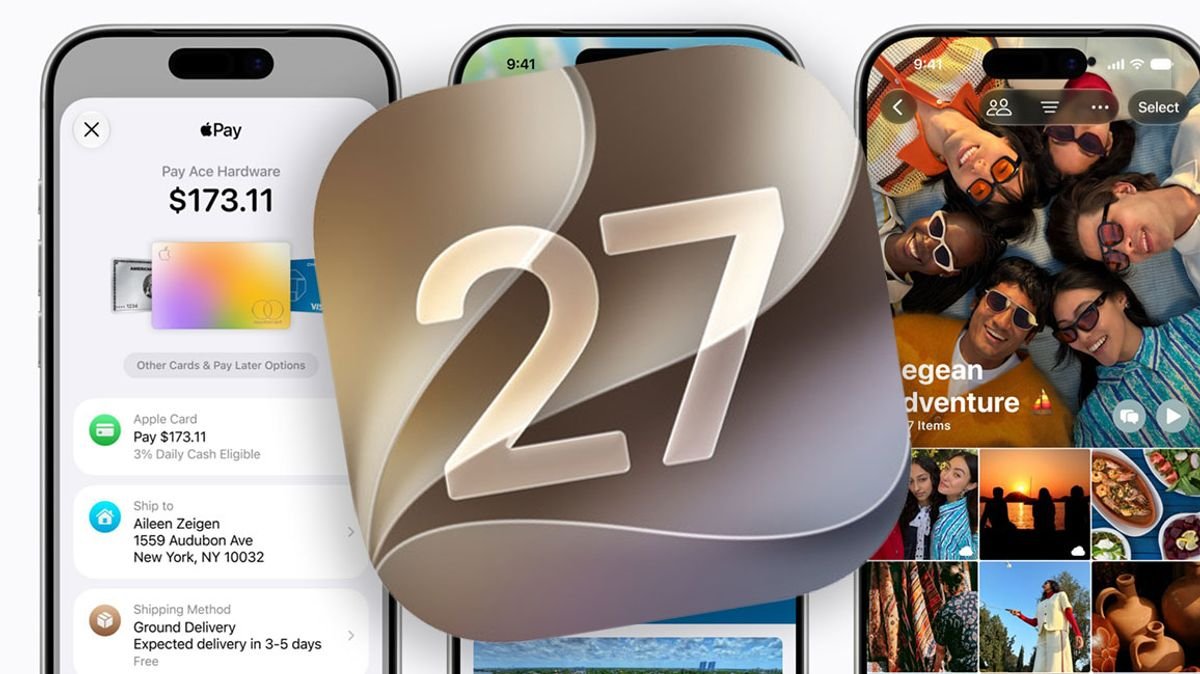

Apple has officially released the public beta version of iOS 27, allowing iPhone users to test out the upcoming software upgrade before its official launch in September. Interested users can sign up for the beta program on Apple’s Software Beta Program site to explore the new features and improvements.
One of the significant enhancements in iOS 27 is the extensive upgrade to Siri, Apple’s virtual assistant. Siri has been revamped to provide more accurate information, better message responses, and improved understanding of complex requests. Additionally, Siri can now assist with calendar organization, task lists, and travel planning, offering more comprehensive support to users.
The new Visual Intelligence mode integrated into the Camera app enables users to receive instant information by simply pointing their iPhone at objects. This feature allows for tasks like splitting bills at restaurants or obtaining nutritional details by scanning meals.
Apple highlights improved speed performance across its lineup with iOS 27, particularly on older iPhone models such as the iPhone 11 and iPhone 12. The update promises faster app launches, quicker photo loading in the library, and significantly accelerated AirDrop transfers.
For users looking to customize their device experience, iOS 27 introduces a transparency slider that allows users to adjust the interface’s glass-like appearance to their preference, ranging from crystal clear to deeply tinted.
Other notable changes in iOS 27 include refreshed app icons, upgraded photo-editing tools with Spatial Reframing, enhanced Wi-Fi connectivity for seamless transitions between networks, and a new AirPods Custom EQ feature for personalized audio tuning.
Compatible iPhones for iOS 27 include a range of models from iPhone 17 to iPhone SE (2nd generation and later). To access the iOS 27 beta, users need to enroll in the Apple Beta Software Program and follow the steps to update to the beta version through the Settings app on their iPhone.
It is essential to note that reverting to a previous iOS version from iOS 27 may require a full factory reset of the device, so users are advised to back up their data before opting for the beta update.